Photo Editor · All-in-one photo editor
iOS · iPadOS · macOS · visionOS
The all-new
Pro Editor.
Meet the all-new Axiem Pro Editor, with Layers, new save options and a new layout for iPhone Duo and iPad. And with Pro+AI, the AI now runs right on your iPhone or iPad, with unlimited AI photo edits.
Update 8.0 — The Axiem Pro Editor
Your tools,
rebuilt.
Every tool you know, rebuilt for a faster, cleaner editor. Prefer the Classic editor? Switch any time from the photo picker.
01.
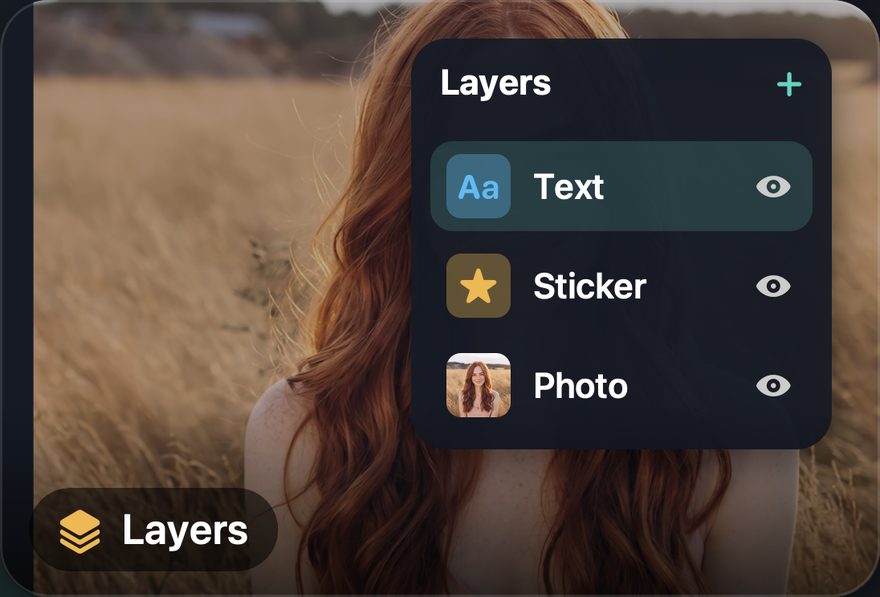
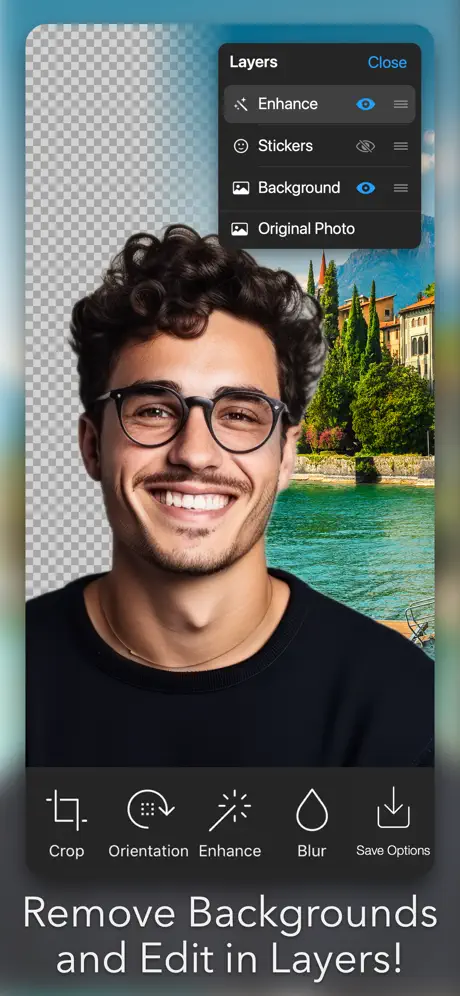
New · 8.0Layers
Every text, sticker and photo sits on its own layer. Select it, reorder it or hide it, any time.
02.
New · 8.0Save options
Pick the resolution, save as JPG or PNG, set the quality and more.
03.
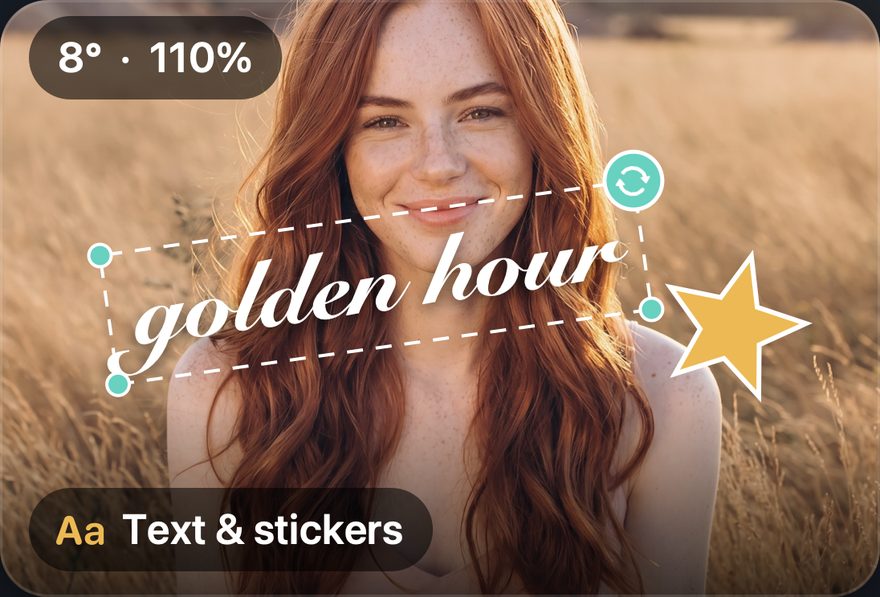
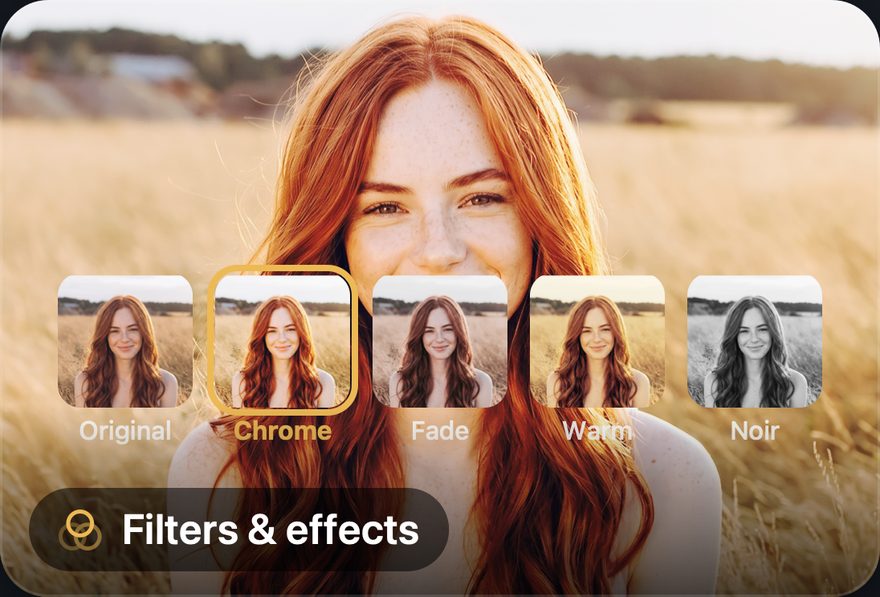
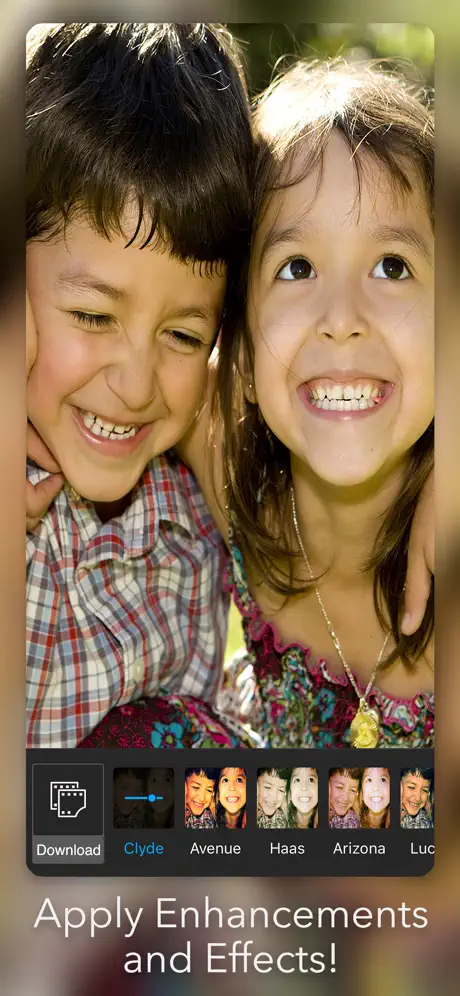
RefreshedFilters, stickers & more
Filters, stickers, overlays and frames, all refreshed for the new editor.
04.
New · Duo & iPadA new layout for iPhone Duo & iPad
Made for bigger screens, from iPhone Duo to iPad, with more room for your photo, your tools and your layers.
New for Pro+AI — On-device AI
Unlimited AI.
Right on your phone.
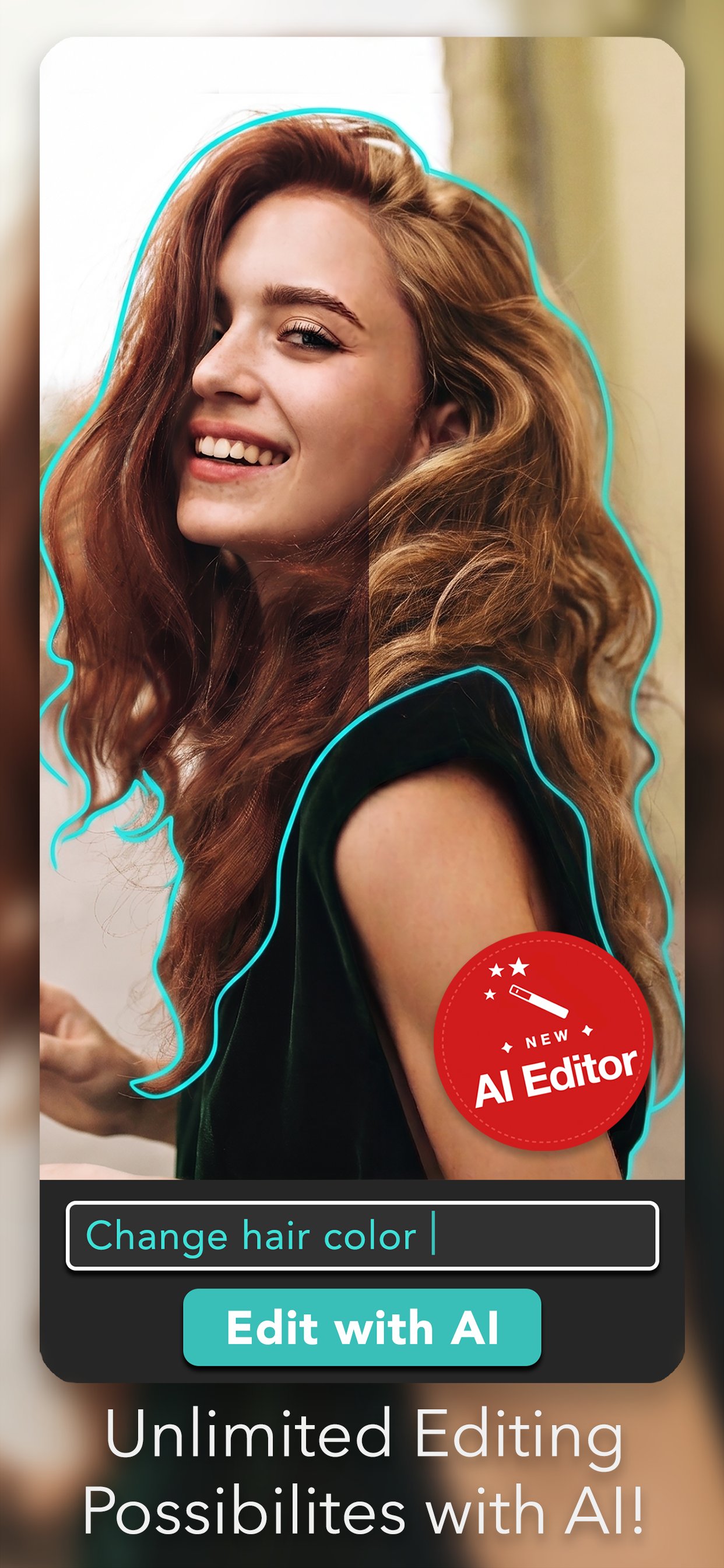
With Pro+AI, the AI Editor runs entirely on your iPhone or iPad. Describe the change you want, or describe a brand-new image, and edit as much as you like. Your photos never leave your device.
On-device
iPhone & iPad
Runs entirely on your iPhone or iPad. No waiting on a server.
Unlimited
AI photo edits
Edit as much as you like. Try a look, change your mind, try another.
Generate
From a description
Describe a picture in your own words and the AI generates it from scratch.
Private
Never uploaded
Your photos never leave your device. What you edit stays yours.
One-tap AI tools
Four tools.
One tap each.
Live previews on every tool, so you see the result before you commit.
01.
AI · One tapColor Pop
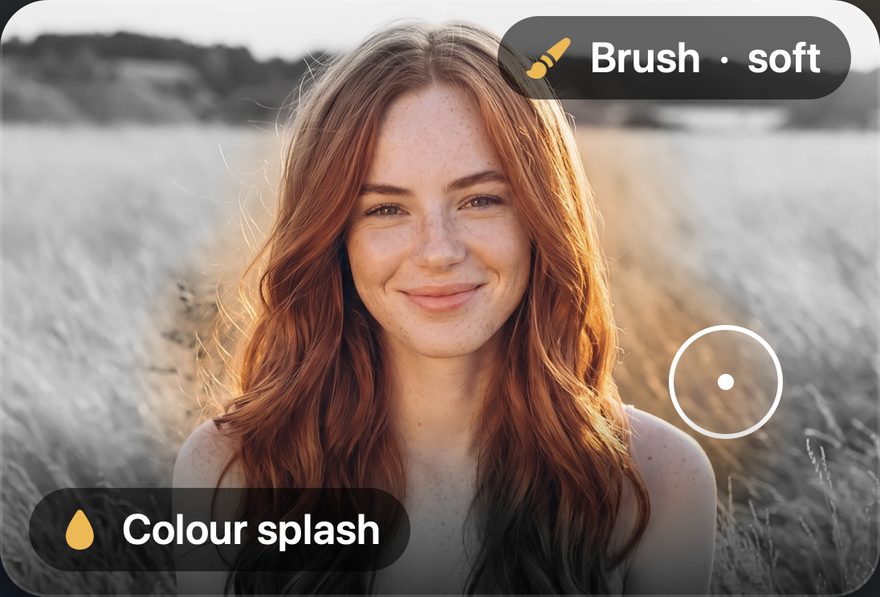
Drain the scene to black & white and keep your subject in full colour — one tap, no masking.
02.
AI · One tapBackground Replace
Swap the backdrop for a colour, a gradient, or any photo from your library. Your subject stays put.
03.
AI · One tapBackground Blur
Portrait-style depth on any photo. Dial the blur up or down and watch it update as you drag.
04.
AI · One tapSticker Maker
Cut any subject into a die-cut sticker, then reuse it from My Stickers in the Axiem Pro Editor.
In the app
A closer look.
Capabilities
Everything
in one place.
Photo Editor- has always been an all-in-one. Below is the complete toolset — same focus on simplicity, now with the Axiem Pro Editor and on-device AI.
AI Editor
- ↳AI Editor with natural-language prompts
- ↳On-device AI with unlimited AI photo edits · Pro+AI
- ↳Generate new AI images from a description · Pro+AI
- ↳Smart subject & object selection
- ↳Color Pop, Background Replace & Blur
- ↳Sticker Maker
Enhance
- ↳One-tap enhance
- ↳Brightness, contrast, saturation
- ↳Sharpen & blur filters
- ↳Color splash
- ↳Tilt-shift / focus tool
Axiem Pro Editor
- ↳Layers · 8.0
- ↳Save options: resolution, JPG or PNG · 8.0
- ↳Filters, stickers, overlays & frames, refreshed · 8.0
- ↳A new layout for iPhone Duo & iPad · 8.0
- ↳Text & captions, multiple fonts
- ↳Draw & paint on photos
Retouch & capture
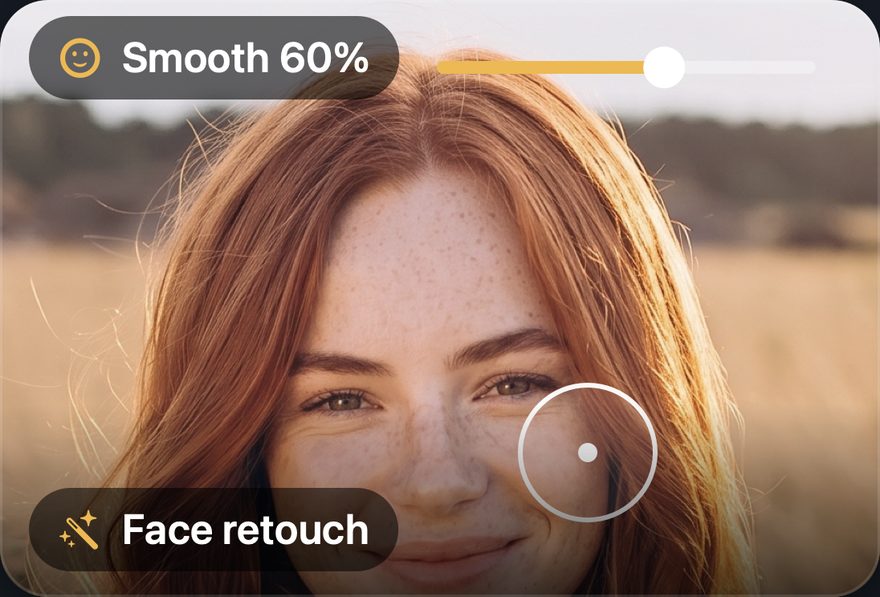
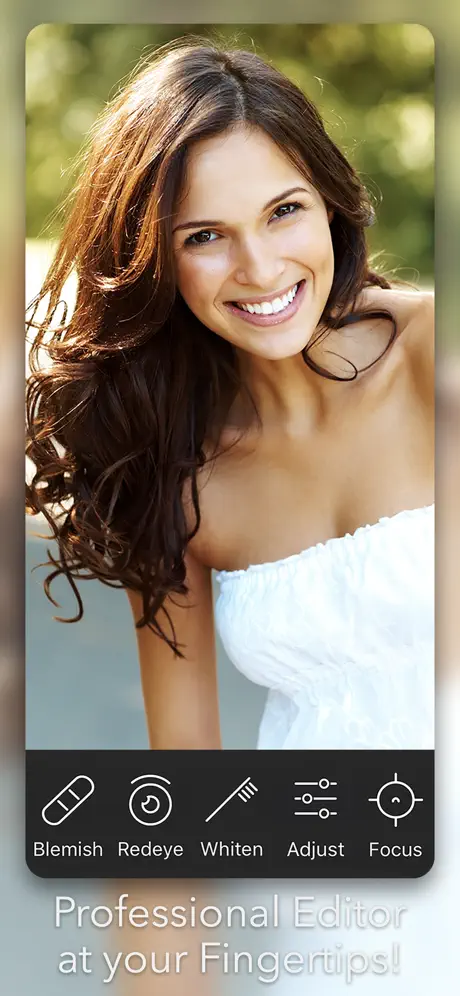
- ↳Blemish remover
- ↳Skin smoothing
- ↳Red-eye removal
- ↳Smile whitening
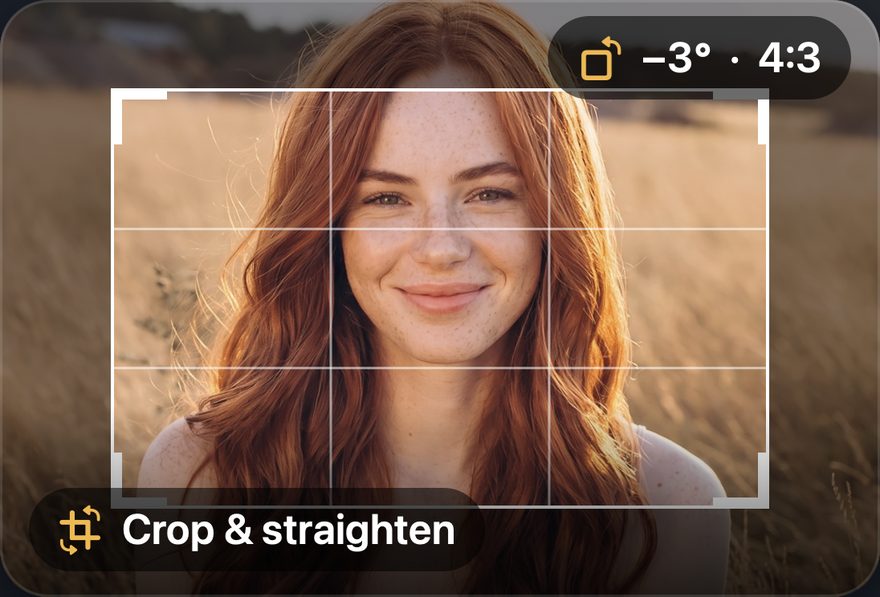
- ↳Crop, flip, rotate & straighten
- ↳HD camera with live filters
- ↳Import / export high-res JPG & PNG
- ↳15 languages
How to get it
Free to start.
Pro when you want it.
Free
$0
The all-in-one editor with the new Axiem Pro Editor, ad-supported. Try the AI tools first, then go unlimited with Pro+AI.
Download →Pro
Pro
No ads, plus Layers, save options and every Pro filter, sticker, overlay and frame in the Axiem Pro Editor. Collages too. Free trial — start anytime.
Start free trial →Pro + AI
Pro + AI
Everything in Pro, plus the AI editing tools — now with on-device AI and unlimited AI photo edits on iPhone and iPad. Subscribe to unlock — no trial.
Subscribe →Available in 15 languages · iOS · iPadOS · macOS · visionOS · Android
Next up
Photo Editor+ →